All  (0)
No images generated yet.
Loading ...

Photo Editing

Edit your photos easily like a pro!

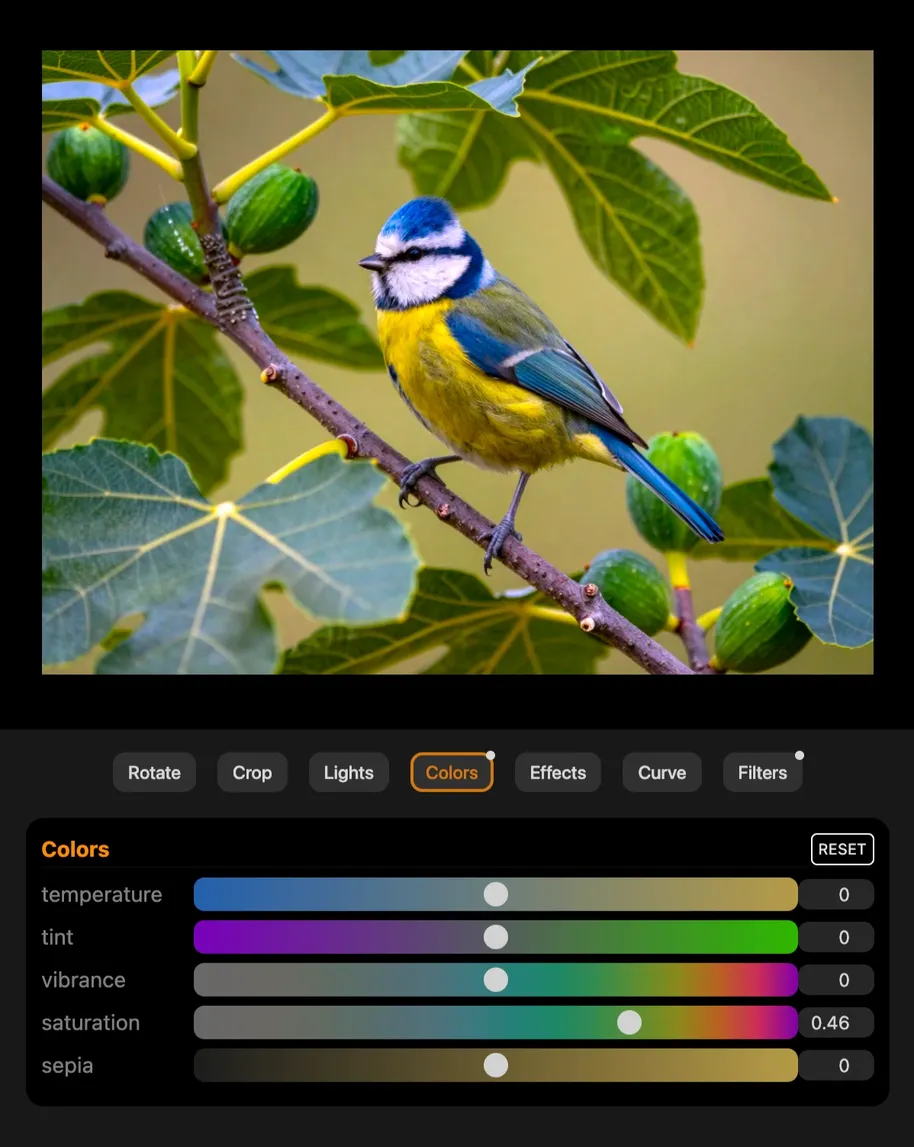
Basic Edit

Image crop, rotation, light and color filters
Screenshot of editing an photo with crop, rotation, and color filter adjustments applied
Basic edit →

Remove / Change Background

One click background removal. Get clean and tranparent foreground. Or Change the background.
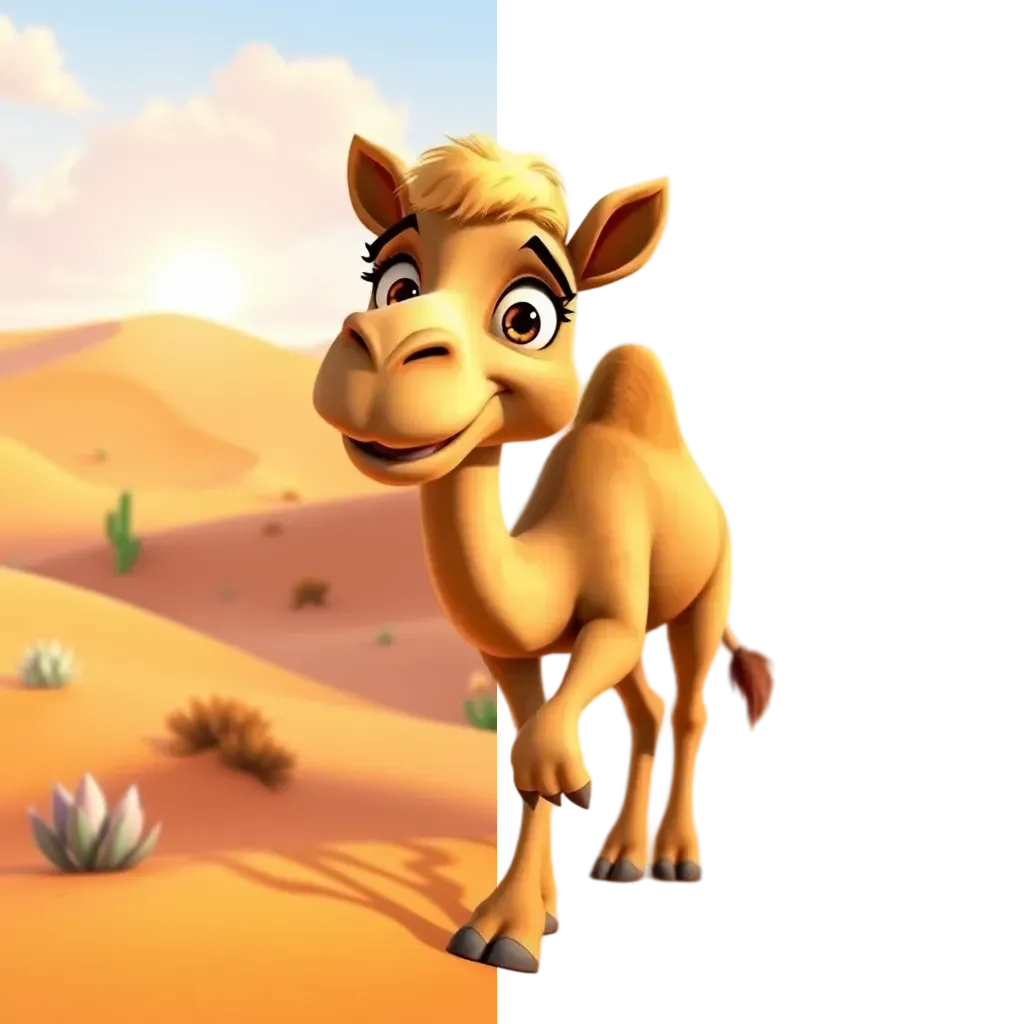
Photo with the background removed for a transparent foreground
Remove or change background →

Magic Eraser

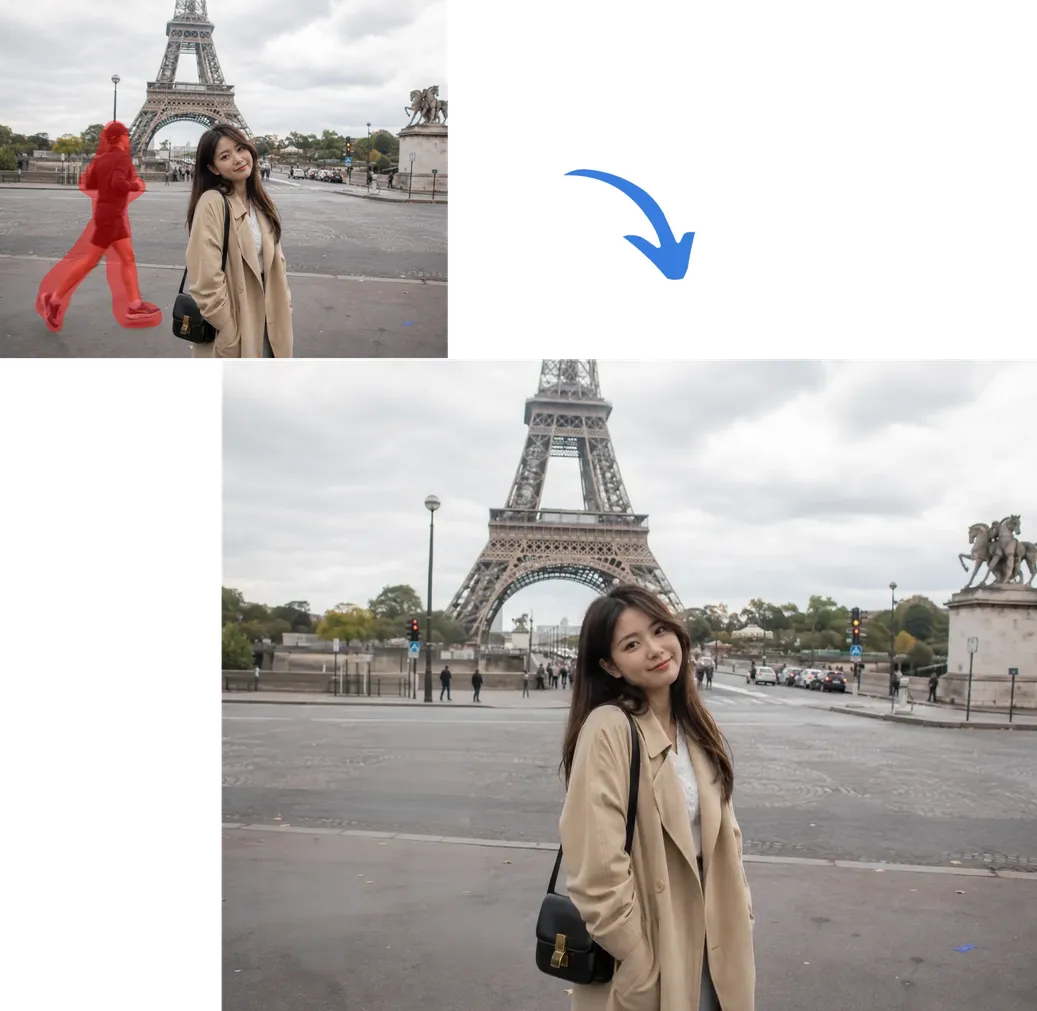
Remove unwanted elements, whether people, objects, or anything else.
Before and after example of an unwanted object removed from a photo
Magic erase →

Magic Fill

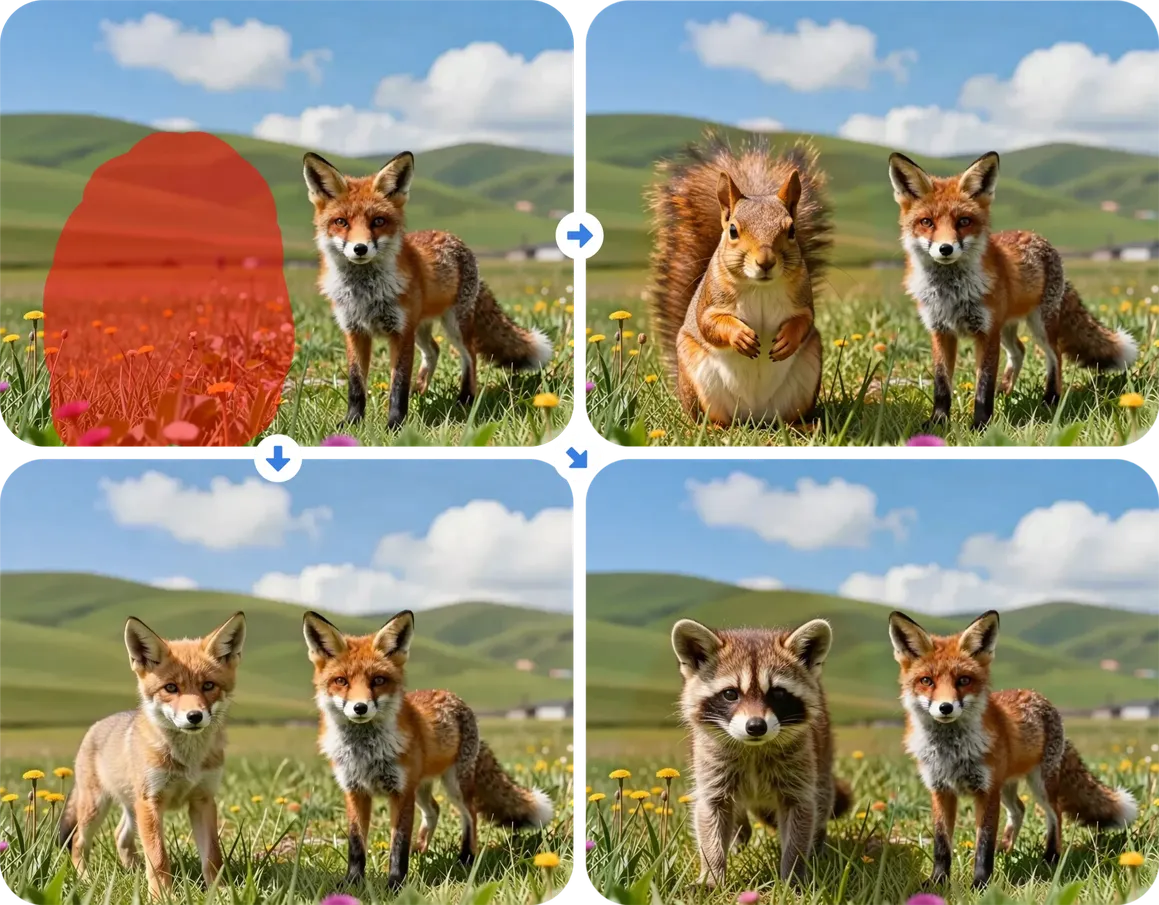
Add or replace objects at selected area.
Example of a new object added into a photo using Magic Fill
Magic fill →

Magic Expand

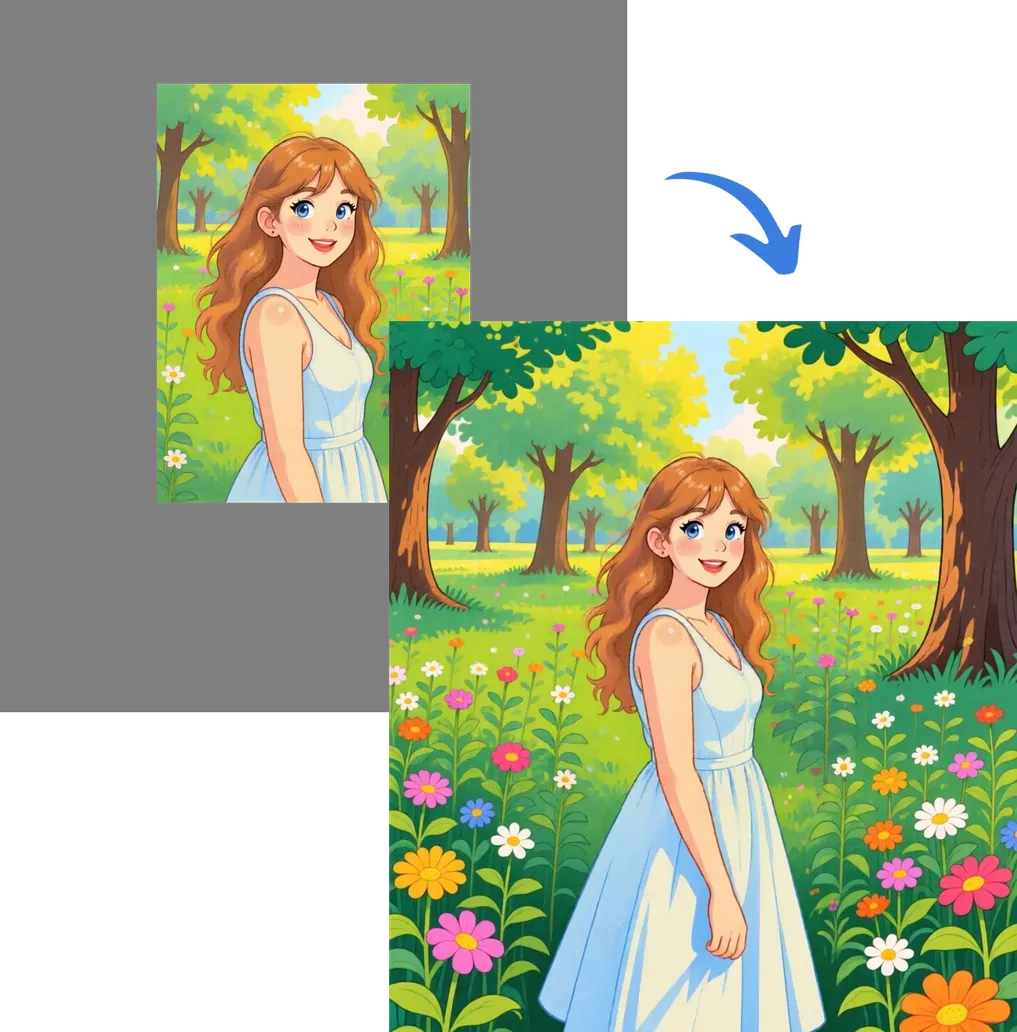
Padding your photo horiontally and/or vertically.
Photo canvas extended beyond its original edges using Magic Expand
Magic expand →

Upscale to High Resolution

Enhance your image to higher resolution with exceptional detail and accuracy.
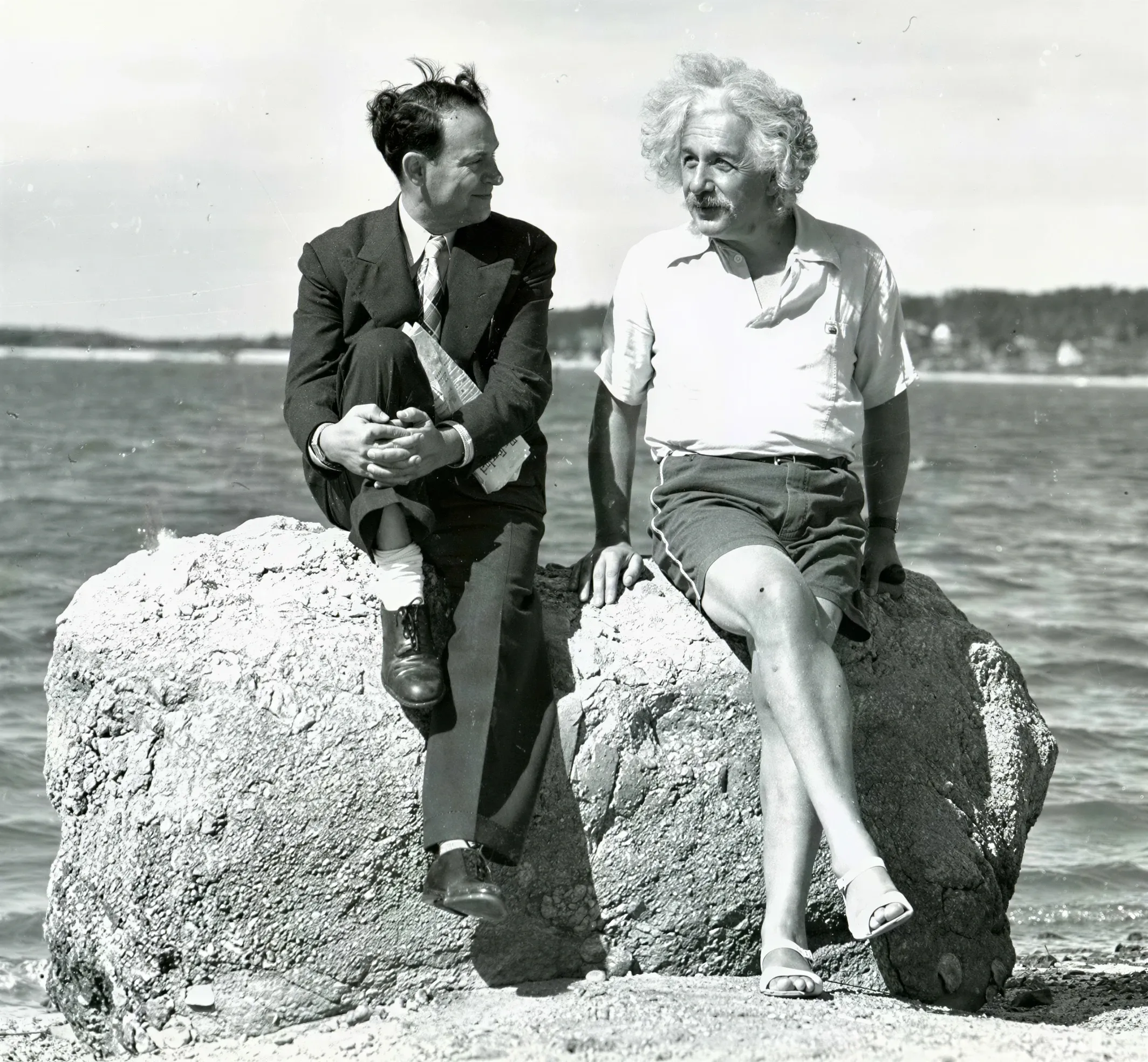
Upscaled image
Original HD Upscaled ✦
Upscale →

Photo to Art

Turn your photos into timeless art. 80+ professionally crafted styles to choose from.
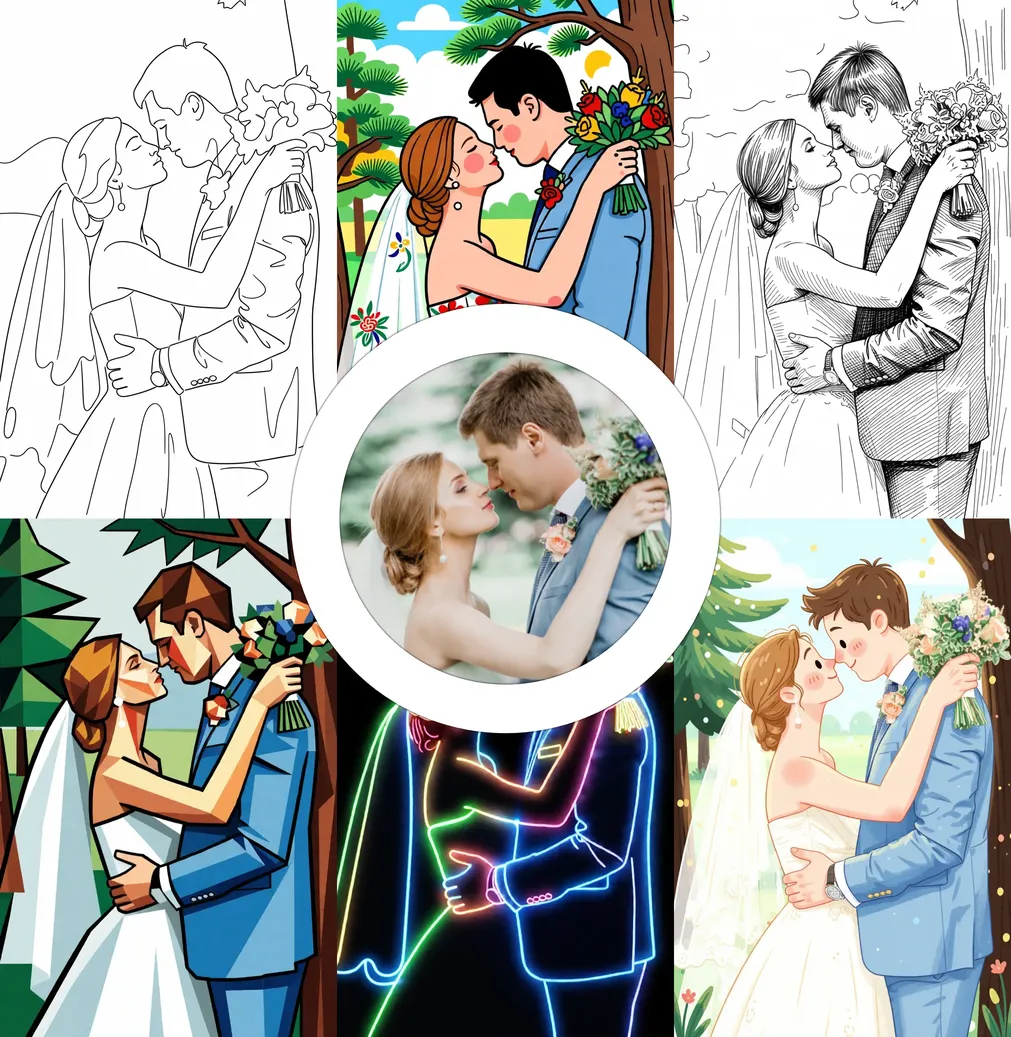
Photo transformed into different art styles
Photo to art →

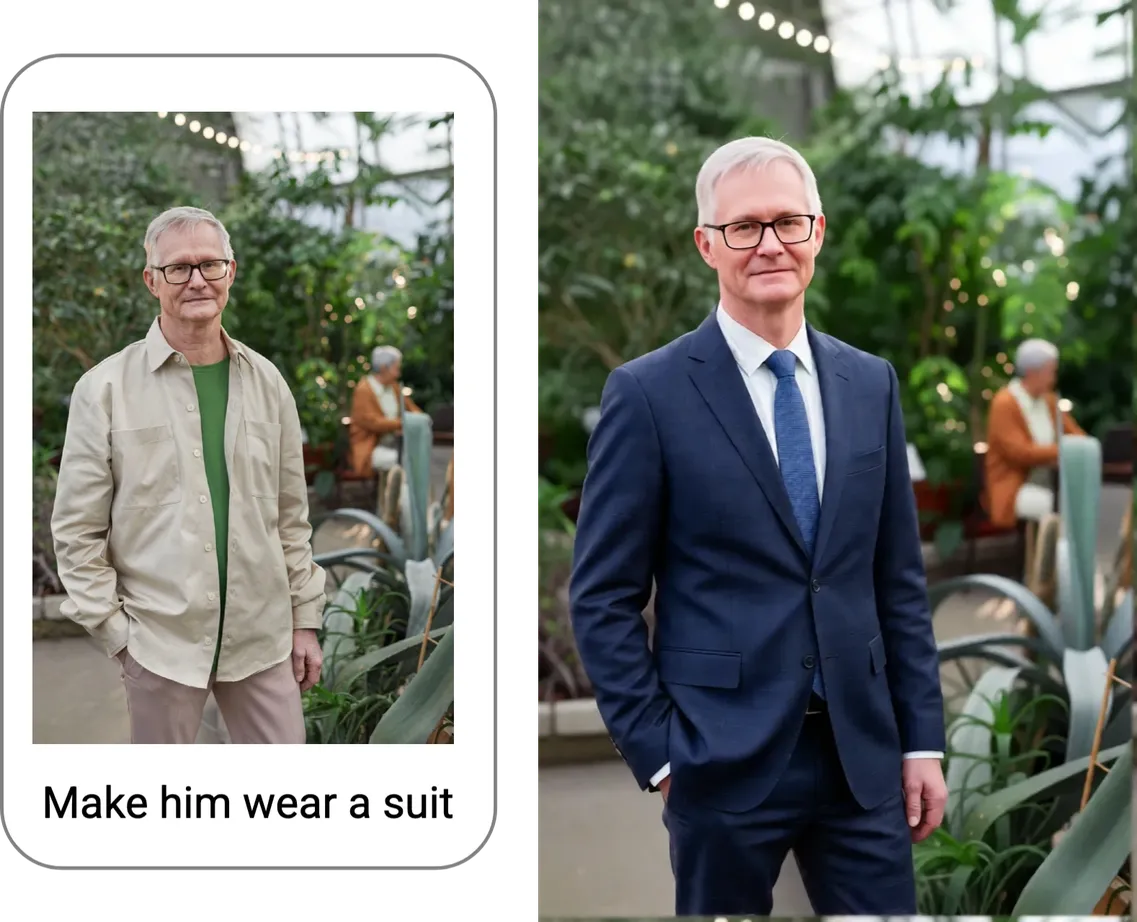
Edit by Asking

Editing photos is as easy as describing what you want.
Example of a photo edited based on a written instruction
Edit by asking →

Reshoot Like a Pro

Elevate an ordinary snapshot into a striking, cinematic image.
Ordinary snapshot reshot as a cinematic, professional-quality photo
Reshoot →

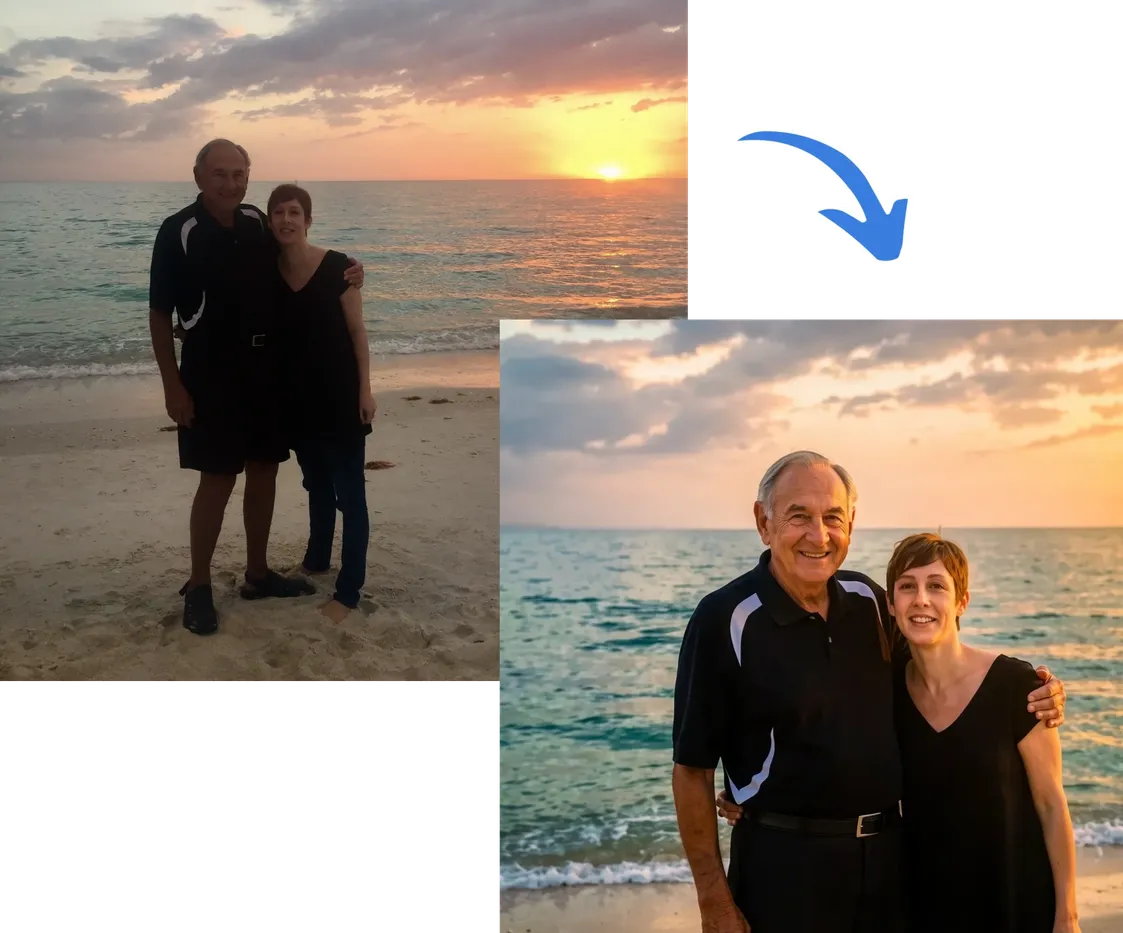
Clarity Restore

Enhance clarity, remove defects, and revive colors. Perfect for restoring blurry images and old photos.
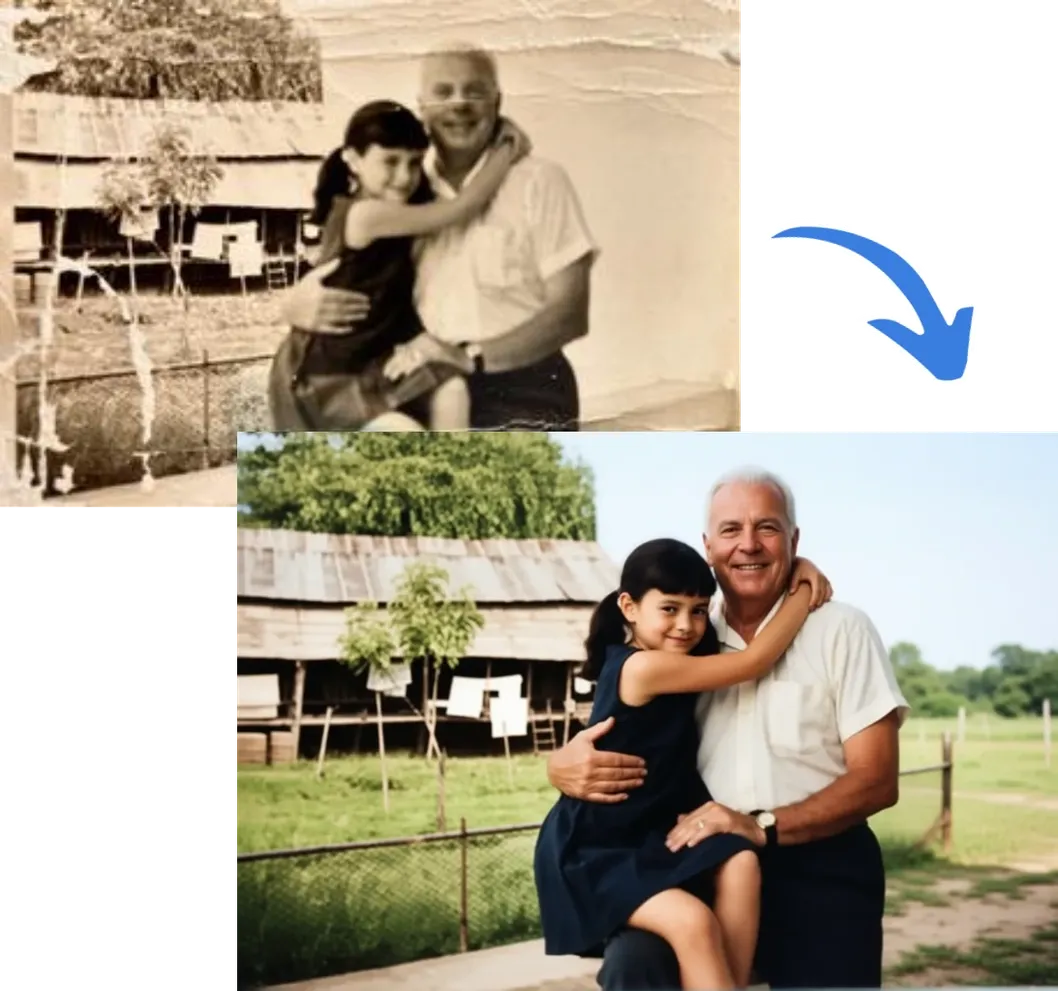
Old, blurry photo restored with sharper detail and revived color
Restore →